12 Features to Look For in a Restaurant POS System
Your restaurant’s POS system can do more than accept payments. With the right features, your POS can help you build your customer list, run the floor, get orders to the kitchen, and handle operations.
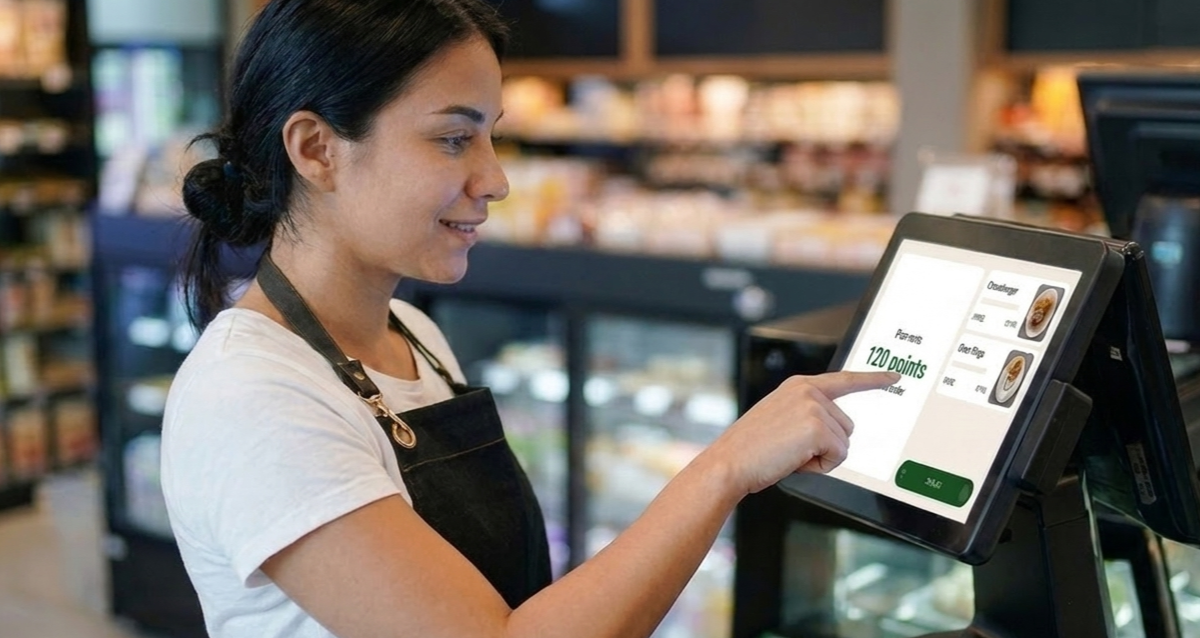
- A restaurant POS with built-in guest capture can turn walk-ins into regulars, building your customer list for loyalty programs and marketing campaigns.
- Online ordering and delivery orders should land in the same system as in-store orders, so your team works from one screen.
- Features like inventory tracking and reporting only pay off if you’ll actually use them.
- Before you sign, ask about contract terms, data ownership, and the effective rate on payment processing.
- Choosing the right POS can make a real difference. After Ashley's Cafe switched to Owner.com's POS and online growth system, they saw an improved Google rating and tripled loyalty sign-ups.
Your restaurant’s POS system can do more than accept payments. With the right features, your POS can help you build your customer list, run the floor, get orders to the kitchen, and handle operations.
There’s no shortage of options for restaurant POS systems, so it helps to know exactly what features your business actually needs. Here are 12 features to consider when you’re choosing a restaurant POS, why they matter, and how they can help your restaurant day-to-day.
The Top 12 Restaurant POS System Features:
- Guest Capture to Build Your Customer List
- Flexible, Compliant Payments
- Order and Table Management
- Tableside and Handheld Ordering
- Menu and Modifier Setup
- Kitchen Display or Printer Routing
- Online Ordering That Lands in the Same System
- Delivery App Integration
- Inventory Tracking
- Access and Staff Management
- Reporting You’ll Actually Use
- Offline Mode
Restaurant POS systems have many capabilities, so to make things easy for you, we've broken these features down into subgroups:
- Payments and Customer Engagement
- Taking Orders and Running the Floor
- Getting Orders to the Kitchen
- Business Operations
Let's dive in.
Payments and Customer Engagement
#1. Guest Capture to Build Your Customer List
There’s a feature many operators miss out on: using your POS to build your customer list and grow your restaurant.
A POS with built-in loyalty and rewards turns new customers into regulars. Take Owner.com’s POS, for example. At checkout, guests watch their rewards points add up in real time. As a result, about 50% of walk-in guests are captured at checkout, entering their phone number to claim rewards. That’s a lot of potential growth.
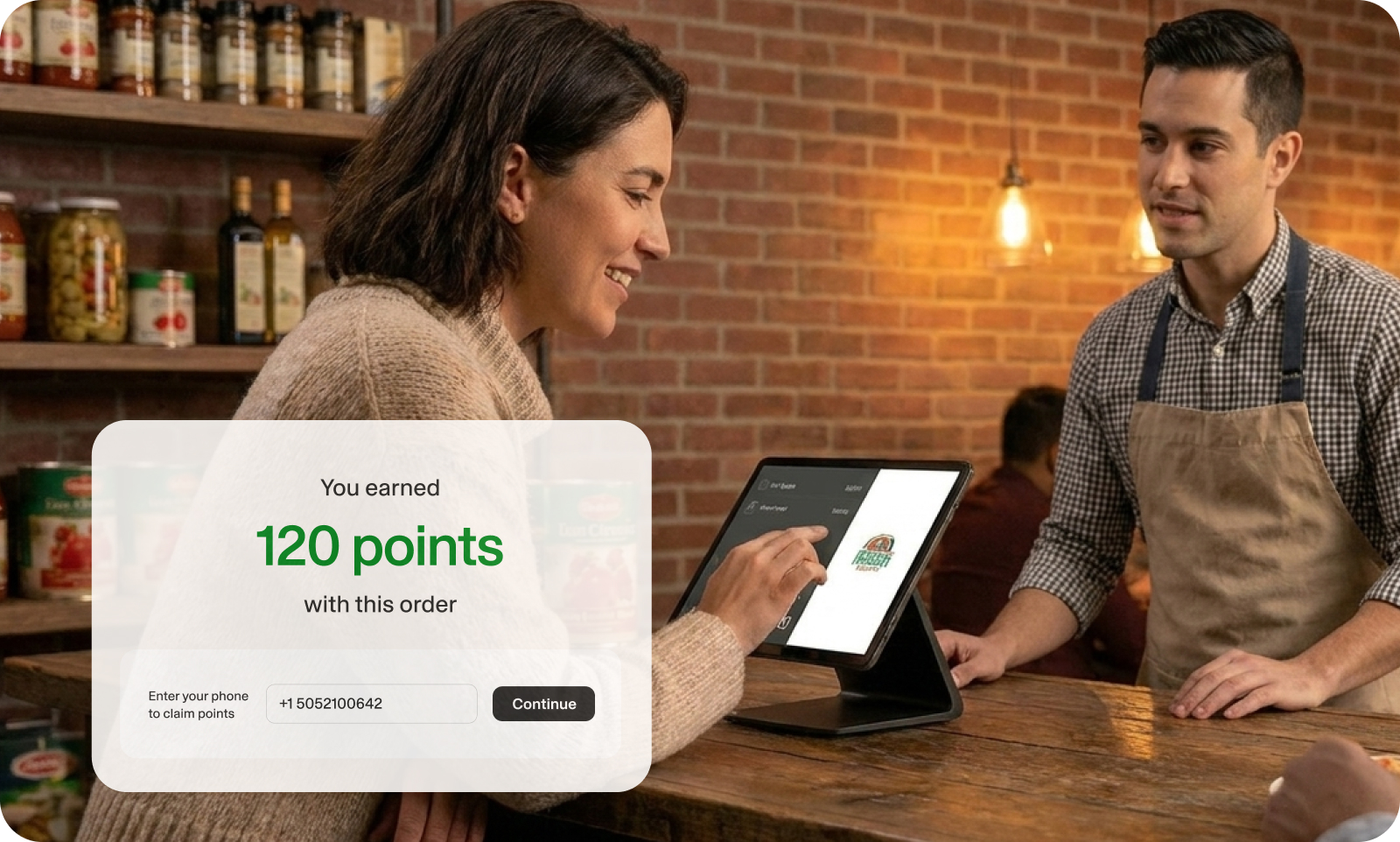
Once you collect your guests’ phone numbers, you can deepen those relationships. After guests sign up, Owner.com texts them a prompt to download your branded app for easier ordering. You can also set up text and email campaigns to keep them coming back.
Your restaurant’s POS system can do more than take payments and support operations. It can help you grow, too.
Who needs it? Growth-focused restaurants that want their guests to come back.
#2. Flexible, Compliant Payments
Of course, your POS needs to accept payments and process transactions. Here are a few important things to confirm with your vendor to prevent future surprises.
- Can guests swipe, chip, or tap credit cards? Can they use Apple Pay or Google Wallet?
- Does the POS work with your gift cards or loyalty program?
- Is the POS PCI compliant? (This is important for keeping payment data safe.)
- Are you locked into one payment processor, or can you choose your own?
Who needs it? This is a priority for any restaurant accepting payments.
Taking Orders and Running the Floor
#3. Order and Table Management
Your POS can help your staff seat guests, manage tables, and process orders, keeping the guest experience running smoothly. If you offer table service and you’re demoing a new POS, ask to see:
- The floor plan: When you can see each table’s status, you can anticipate what guests need next.
- Server assignment: Can you assign a server to each table and hand tables off mid-service?
- Split checks: Can you split items between bills or charge each guest for their own items?
- Discounts and rewards: If you run discounts or a rewards program, you should be able to apply them at the table.
Who needs it? Restaurants that offer table service.
#4. Tableside and Handheld Ordering
Faster turnaround times make for happier customers. A handheld POS that takes orders at the table can make a real difference. In a 2025 study, 82% of operators said handheld POS systems sped up service.
Servers don’t need to write down orders, the kitchen can move faster, and guests get their food sooner. And when it’s time to pay, guests can tap their card at the table instead of waiting for the check. It’s a win for everybody.
Who needs it? Full-service restaurants that take orders tableside.
#5. Menu and Modifier Setup
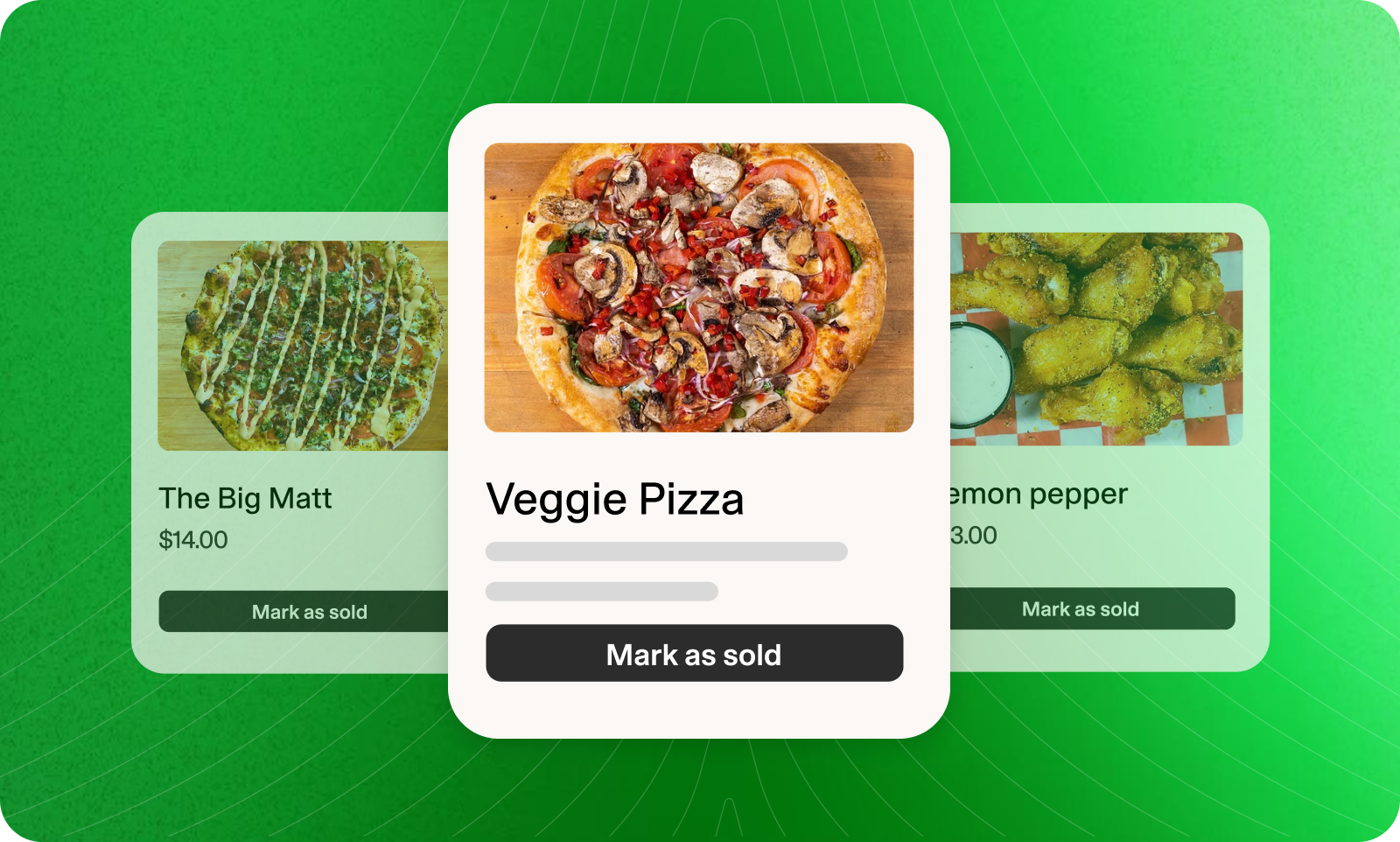
Ingredients run out unexpectedly and menu items sell out. Your restaurant POS should make it easy to set up your menu and update it as things change.
When you’re exploring vendors, ask how much time it takes to pull a sold-out item or change a price mid-shift. Any changes should show up across your entire system, so guests get the same experience wherever they order.
For example, when you update the menu in Owner.com’s POS, the changes are reflected in-store on your POS, as well as your online ordering and restaurant website.
Who needs it? Every restaurant needs this feature.
Getting Orders to the Kitchen
#6. Kitchen Display or Printer Routing
After guests place their order, the next stop is the kitchen. A POS that connects to your kitchen display system (KDS) or printer for physical tickets can cut down on order times and reduce errors.
Some restaurants might still use paper receipts or handwritten notes, which can get lost or torn. If you’re updating your POS, it might be a good time to switch to a kitchen display, too. A KDS like Owner.com’s Kitchen Tablet helps your kitchen manage every order without worrying about losing tickets or switching receipt paper rolls.
Who needs it? Most restaurants need this feature.
#7. Online Ordering That Lands in the Same System
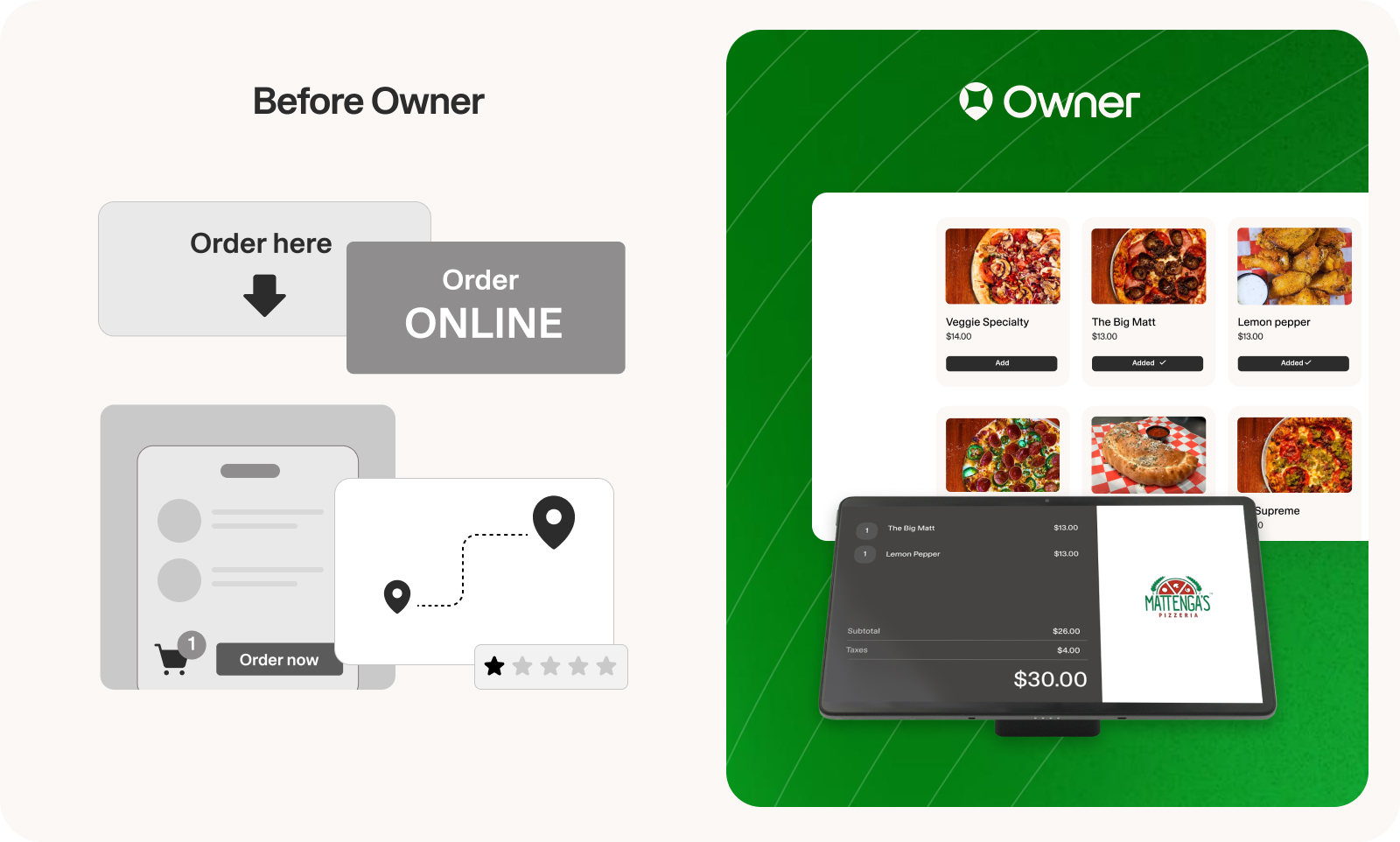
We’ve all been there. During a busy rush, orders come from everywhere: you have a tablet for in-store sales and another for online ordering. When you’re juggling multiple systems and devices, mix-ups are more likely to happen.
When your POS and your online ordering system work together, everything arrives on the same platform. Your kitchen sees everything on one screen, cutting down on multitasking and getting orders out faster.
Who needs it? Restaurants that accept online orders.
#8. Delivery App Integration
Marketplace apps are a great way to bring new guests to your restaurant, but they make managing orders more complex. When your POS integrates with delivery apps, you can track orders in one place instead of moving between screens or devices. This is another way to avoid that whole “multiple tablets” problem we see so often.
Some POS systems include delivery features. Guests place orders on your website or a branded app, and you handle the delivery with your in-house team or third-party drivers.
Who needs it? Restaurants that accept orders via marketplace apps or have in-house delivery.
Pro tip: Owner.com’s POS and online growth system work together to fulfill orders in-store and online. Here’s how it works.
- Manage and update your menu in the app or on your kitchen tablet, so it’s up-to-date no matter where guests place their order.
- When they pay, guests are prompted to sign up for your rewards program.
- All orders are processed through the Owner.com POS and sent to your kitchen tablet.
- Online, in-store, and delivery orders are integrated, so your team sees everything on one screen.
- Deliver orders with your in-house drivers or third-party delivery partners.
Business Operations
#9. Inventory Tracking
A POS with built-in inventory tracking can help you manage waste and other restaurant costs. With features like ingredient counts, low-stock alerts, and waste logging, you can tell what’s selling and what isn’t, which can help guide ordering decisions and menu updates.
One thing to note: many restaurant owners buy a POS with an inventory add-on but don’t use it. It’s not a guaranteed fix; you’ll need the right processes to support it. As one Redditor said, “(Use) the inventory system as a tool to see where the problem lies, and create an action plan from there.”
Who needs it? Restaurants ready to build a regular inventory process.
#10. Access and Staff Management
Access management gives you more control over permissions, making sure the right people have the right level of access to your POS.
Access management features to consider include:
- Custom roles: Every staff member is assigned a role with a custom login or PIN. Each role comes with built-in permissions for what they can access.
- Order credit: Servers log in or use their PIN for each order, and the POS tracks their orders and tips.
Some POS systems also have staff management features, like clocking in and out. This lets staff track their own hours right in the POS, saving you from managing yet another tool or system.
Who needs it? Restaurants where servers accept tips, or with lots of staff members or locations.
#11. Reporting You'll Actually Use
Built-in POS reporting turns the data your POS collects into insights that tell you what’s working and what isn’t. Depending on your POS, you can check revenue trends, see menu item performance, and analyze labor costs.
Some systems go even deeper. Owner.com's reporting and analytics connect these insights to your marketing campaigns, SEO, and online orders, giving you a clear picture of how it all works together.
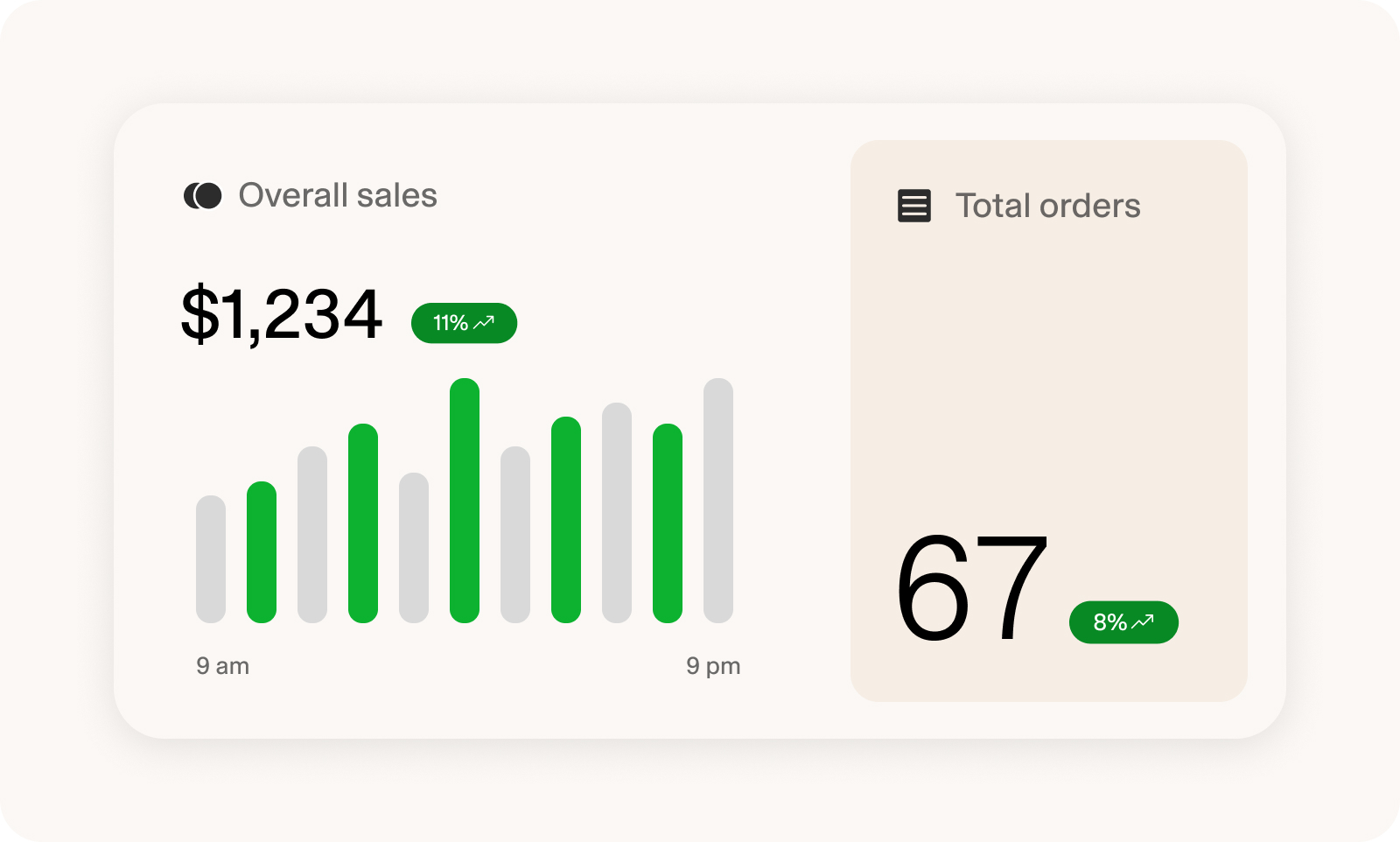
Reports only matter if you'll use them. Think: would you check your POS reports every week, or would they sit untouched?
Who needs it? Restaurants that want to make data-driven decisions about their menu, staffing, and operations.
#12. Offline Mode
Picture this: you’ve got a lineup down the block, and your internet stops working. Offline mode makes the difference between a minor inconvenience and complete chaos.
With offline mode, you can accept payments without internet access. These payments are saved locally until you’re back online, when they’ll be processed. Offline mode is helpful when you need it and can be essential if you expect internet outages.
Who needs it? Offline mode is a key feature for quick-service and full-service restaurants, preventing stress and financial losses during internet outages. It’s a must for food trucks and mobile businesses, too.
Three Questions to Ask Every POS Vendor That Aren't About Features
The right features are only part of choosing the right restaurant POS. Here are three questions you should ask your vendor to find the right choice for you.
- Question #1: What can you tell me about my contract? Figure out how long your contract lasts, what changes you can expect at renewal, and any termination fees.
- Question #2: Who owns my data? Get a clear picture of who owns your sales and customer data, and whether you can export it if you leave.
- Question #3: What are the payment processing fees? There are different processing fee structures, so ask for the effective rate (your total fees divided by your total sales). That tells you exactly what you’ll pay.
Which POS Features Matter Most for Your Restaurant?
The most important POS features depend on your restaurant. Here’s a quick table to help you figure out what features you really need.
Choosing the Right POS System for Your Restaurant
The right restaurant POS isn’t the one with the longest feature list. It’s the one that fits how you actually run your restaurant. Start with the essentials for your service model, add only the features you’ll really use, and ask every vendor about contracts, data ownership, and processing fees before you sign.
When you’re ready to compare specific systems, our guide to the best POS systems for restaurants walks through the leading options. If growing your guest list matters as much as getting through a busy shift, look for a POS that can do both.
How Owner's POS System Can Help Your Restaurant
Owner.com’s POS is built around the features that matter most for growth. Guests sign up for rewards right at checkout. In-store, online, and delivery orders all land on one kitchen screen. Menu updates sync everywhere at once.
Ashley’s Cafe in San Francisco shows what that looks like in practice. Before switching, the team juggled separate screens for in-store and delivery orders. Rush hours got chaotic, and their Google reviews started to slip.
After moving to Owner.com’s POS and online growth system, every order came through on one screen, and busy shifts got easier to manage. The results:
- Google rating up from 3.5 to 4.3, with help from Owner.com’s reviews engine
- 65% of guests captured at checkout through the POS
- 3x more loyalty sign-ups
- $30K more in monthly revenue, with new locations on the way

If you’re looking for your first POS system or switching POS systems and want to prioritize your restaurant’s growth, Owner.com might be the right fit. If you’re curious, reach out to get a free 20-minute demo today.
Restaurant POS System FAQs
What features should a cafe POS system have?
A good cafe POS system should support fast order entry, custom modifiers, loyalty programs, inventory tracking and online ordering integration. Owner POS is a great choice for cafe and coffee shop owners looking to capture their guests at checkout, run smart marketing campaigns, and increase sales.
What POS is best for restaurants?
Owner POS is the best choice for independent restaurants that want a POS that grows sales instead of just processing payments like Toast, Square, or Clover. At checkout, it captures guest info (about 50% of guests sign up for loyalty), invites them to your branded app, and enrolls them in automated marketing that drives repeat orders. In-store, online, and delivery orders all run on one platform, setup takes just days, and there are no long-term contracts.
Can I use a POS system offline?
Many modern POS systems offer offline functionality that allows you to continue processing transactions when your internet connection drops. Systems like Owner, Toast, Square, and Clover can operate in offline mode, storing transaction data locally and syncing it to the cloud once connectivity is restored.
However, offline capabilities vary by system. Some features, like real-time reporting, online ordering integration, and credit card processing, may be limited during outages. Check with your POS provider about their specific offline functionality before committing to ensure it meets your needs.
Can I use my POS for in-person and online sales?
Yes, most modern POS systems can handle both, but not all do it well. Look for one with built-in online ordering or solid integrations. That way, your inventory and sales stay synced whether a customer orders at the counter or from their phone.
How do I integrate a loyalty program with my POS system?
Most modern POS systems, or platforms like Owner, offer direct loyalty program integration. This allows points tracking, reward redemption and customer data to flow seamlessly without manual updates. Integration ensures accurate accounting, makes rewards easy for staff to manage and provides actionable insights on customer behavior.
Is a POS system worth it?
Absolutely. A POS speeds up service, reduces errors, tracks inventory and provides real-time sales data. If you’re still using an old-school register, you’re leaving money on the table.
How much does a restaurant POS system cost?
The cost of a POS system can vary depending on features, customization options and the size of your restaurant.
Basic systems are available at a lower cost, while more advanced setups with features like inventory management, reporting and loyalty programs may come at a higher price. I’d say it’s important to consider both your budget and the long-term benefits the system will bring to your business.